Every returning student eventually develops a route. First-timers wander. Both are valid. Part of the Campus Guide.
Controls
| Input | Action |
|---|---|
| W / A / S / D or Arrow keys | Walk (one direction at a time, no diagonal) |
| E | Interact — enter/exit buildings, talk to residents, board the sailboat, fish, pick up items |
| Escape | Emergency-exit any building (works even away from the door) |
| M | Toggle the full campus map |
| I | Toggle your inventory |
| H | Toggle furniture placement (inside your own dorm only) |
| B | Board the sailboat (at the shoreline) |
| + / - | Zoom in / out |
| 0 | Reset zoom to 100% |
| Mouse wheel | Zoom in / out |
Note: Movement keys are ignored while you're typing in chat. You will never accidentally walk off mid-sentence.
Seasoned students know: stick to the streets. Paved roads give roughly 50% more speed than grass or building interiors. If you're crossing campus in a hurry, follow the roads — Dijkstra Dr, Curie Ln, and the other named streets all carry the speed bonus.
Mobile: On a phone or tablet, a D-pad appears in the bottom-left and an A action button in the bottom-right. The interface switches to a tab layout (Campus / Chat / Classes / People / More).
The Map
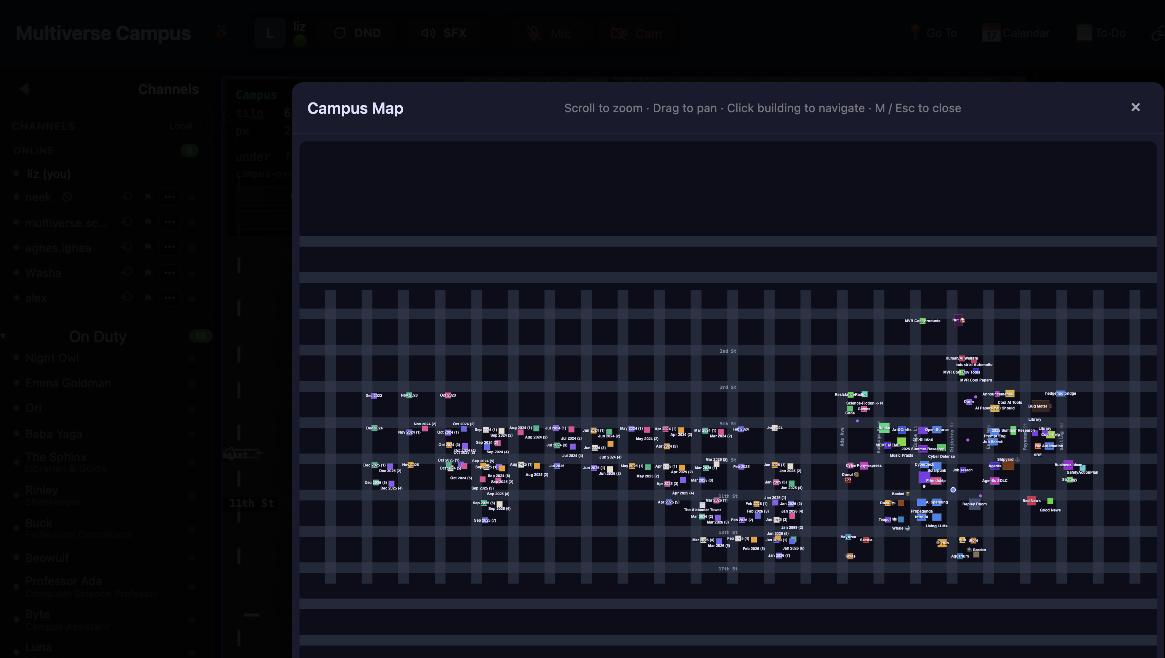
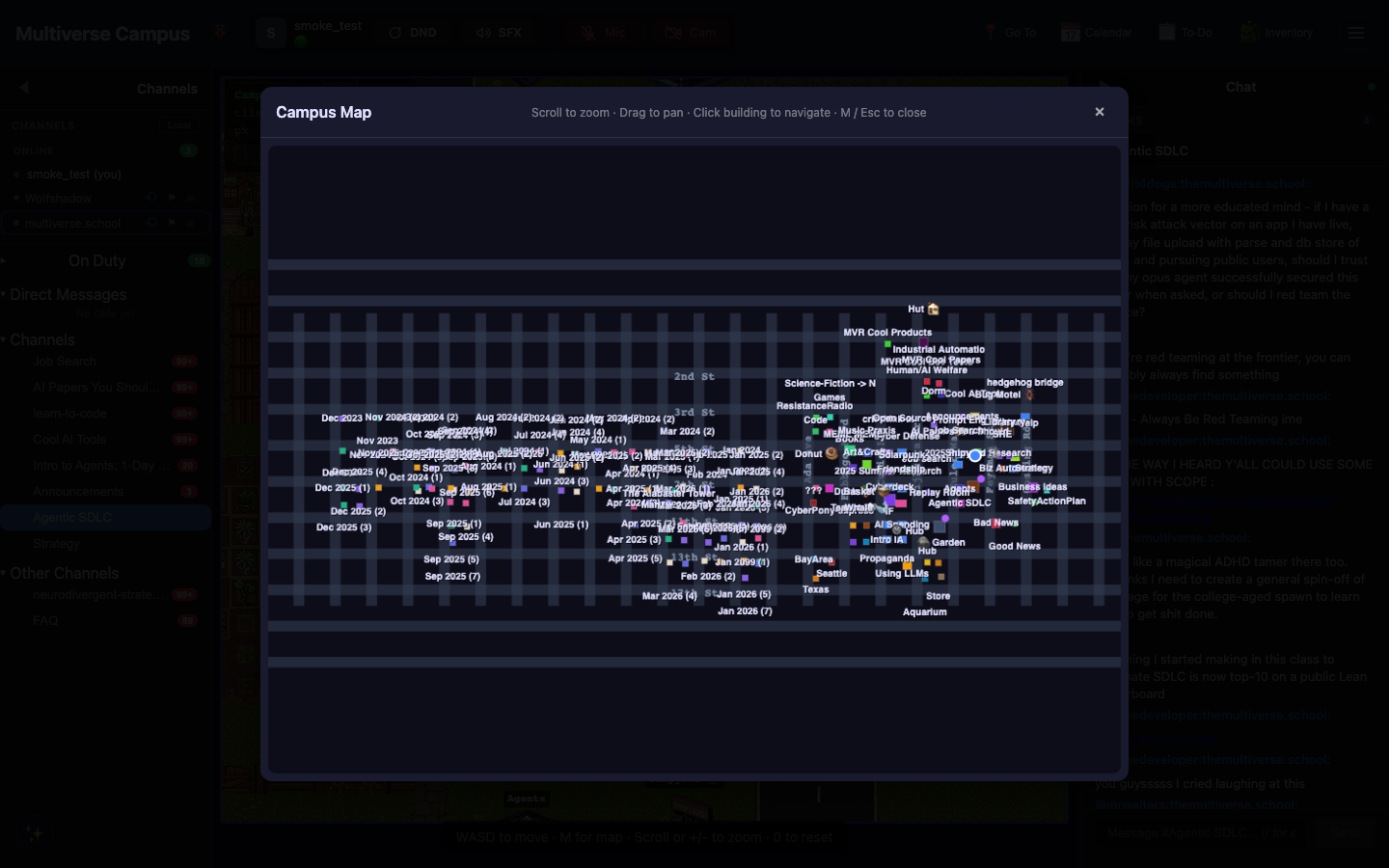
Press M (or click the minimap in the top-right) to open the full campus map. Every building is color-coded and labeled, with street names at intersections. Click any building to auto-walk there — a glowing compass appears next to you pointing the way. Press any movement key to cancel auto-walk.
Campus has named zones — Solarpunk, Propaganda, Cyberdeck, the Replay Room — and named streets at the intersections: Dijkstra Dr, Curie Ln, Turing Ave. You'll learn them the way you learn a real campus: by walking around and getting a little bit lost.
Tip: Click any building on the map to auto-walk there. A glowing compass appears and guides you. Press any movement key to cancel if you change your mind.
Entering Buildings
Walk onto a building and you auto-join. No button press needed — step onto the building tile and you're inside, connected to the room's chat and any active call. To leave: walk to the exit, or press Escape from anywhere to emergency-exit (useful when you've wandered somewhere you didn't mean to).
Dorm buildings have multiple floors. Use stairs (press E at a stairwell) or elevators (press E to get a floor picker). The elevator has an animation — press Space to skip it if you're in a rush.
The Wheel Hub
The campus manual describes a Wheel Hub building with free vehicles:
- Roller Skates, Skateboard, Campus Bicycle — always available, borrowed for the day
- Today's Special — a rarer vehicle that rotates at midnight. Some of them can reportedly fly.
While riding, a speed badge (e.g. "1.5×") appears in the bottom-left. Click it to return the vehicle early.
Trivia
- The 50% street speed bonus was reportedly added after students kept arriving late to class from across campus.
- Diagonal movement is not supported. Veterans call this "the Manhattan constraint." Nobody knows if it's intentional.
- The elevator skip animation (Space) was a community request. Before it existed, students would take the stairs to avoid the wait.
See Also
- Campus Home — overview and getting started
- Avatar & Identity — customizing your look
- Video Chat — proximity calls